



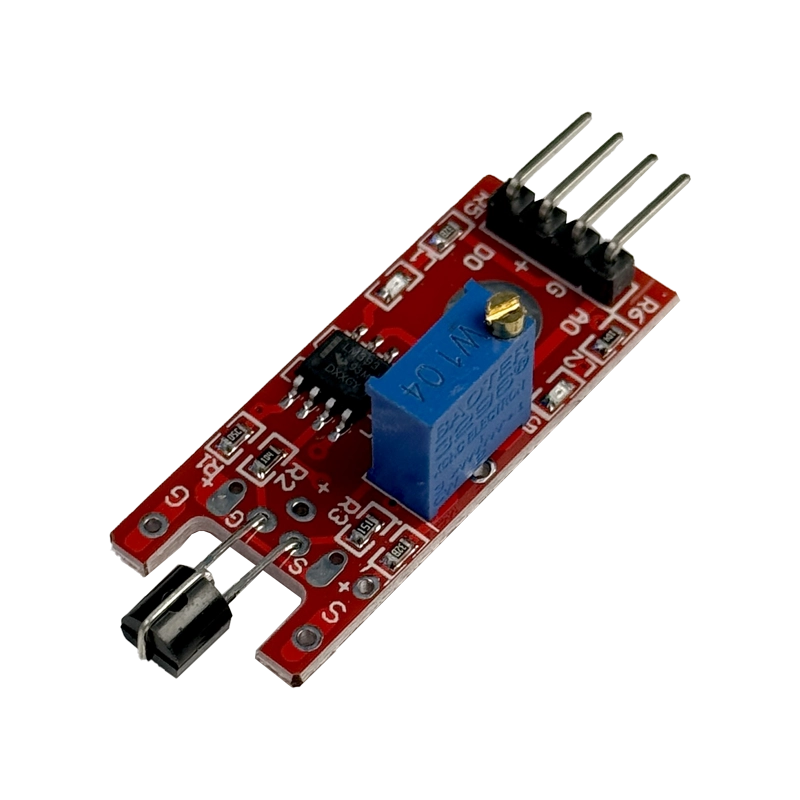
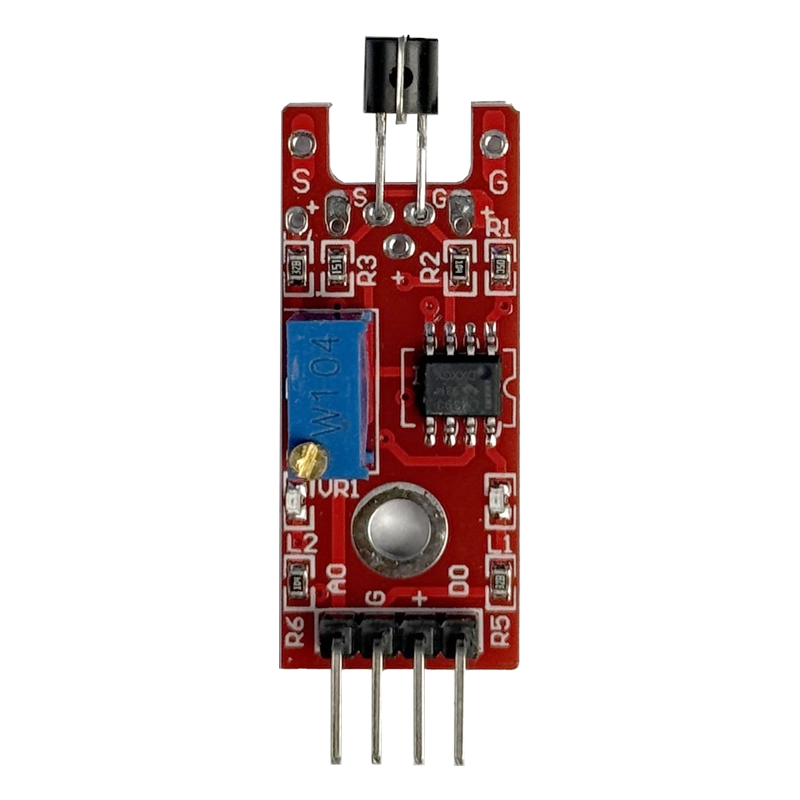
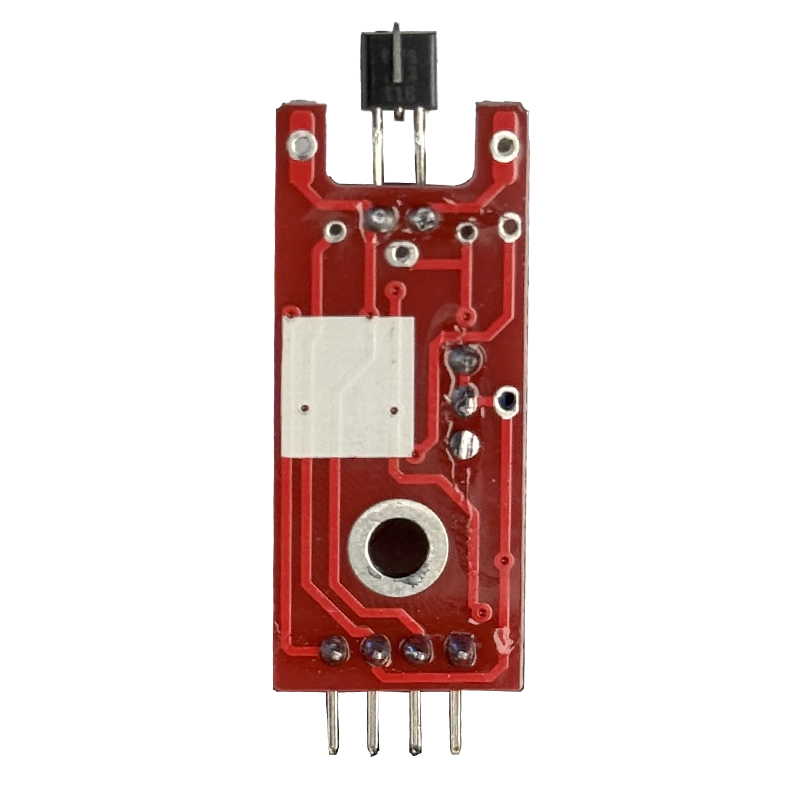
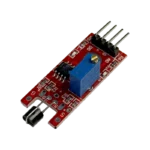
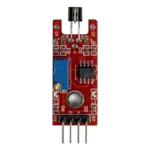
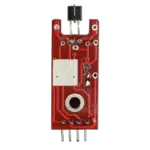


Metal touch sensor modules let you trigger an action with a single tap of a finger, and the KY-036 is one of the easiest ways to add that to an Arduino or ESP32 project. Touch the metal tip, the onboard LED lights up, and your microcontroller gets a clean digital signal it can act on.
Technical Specifications
Here are the key details of this metal touch sensor, checked against the module documentation and the LM393 datasheet:
| Parameter | Value |
|---|---|
| Model | KY-036 |
| Comparator IC | LM393 dual comparator |
| Sensing Element | Metal probe on a high-gain Darlington transistor |
| Operating Voltage | 3.3V to 5V DC |
| Outputs | Digital (DO) and Analog (AO) |
| Pins | 4 (AO, GND, +V, DO) |
| Sensitivity | Adjustable via onboard potentiometer |
| Indicators | Power LED and touch-detect LED |
| Dimensions | Approx. 43 x 16 x 15 mm (including probe) |
| Weight | Approx. 5 g |
What Makes It Stand Out
This metal touch sensor is not a capacitive touch pad. Your body acts like a tiny antenna that picks up the electrical hum present in every room. When you touch the probe, the Darlington transistor amplifies that signal, and the LM393 compares it against the threshold you set with the potentiometer. The LM393 comparator datasheet explains how that comparison stage works.
You get two outputs. The digital pin goes HIGH once the threshold is crossed, which is ideal for switching tasks. The analog pin gives you the raw amplified signal, handy for experimenting with sensitivity. Because the digital output can flicker slightly while touched, pairing it with the Bounce2 library gives you clean, single-trigger reads.
Why Makers Choose This
The metal touch sensor needs no special library, no I2C setup and no calibration code. Two power wires and one signal line are enough to get started, and it runs happily on both 5V Arduino boards and 3.3V ESP32 boards.
Want to see it running? This metal touch sensor Arduino tutorial covers wiring and code for both outputs. Pick up yours at the best price in India from techiesms.
Important Links
🔗 LM393 Datasheet (PDF) — official datasheet for the onboard comparator IC
🔗 KY-036 Module Guide — pinout, working principle and wiring for Arduino, Raspberry Pi and Pico
🔗 Arduino Tutorial — step-by-step wiring and example sketch
🔗 Bounce2 Library (GitHub) — clean edge detection for the digital output
Best Used For
Use this metal touch sensor to build a lamp or relay switch that toggles with a tap on a metal plate. Turn a door handle or metal box into a simple touch alarm that sounds a buzzer. Make a tap-to-start control for a robot or quiz buzzer game, or add a hidden touch trigger to a smart-home panel. It is also a great sensor for school and college science projects that explain how the human body conducts signals.
Frequently Asked Questions
Q: Is the KY-036 a capacitive touch sensor?
No. The metal touch sensor detects the electrical signal your body picks up from nearby mains wiring, amplified by a Darlington transistor and compared by the LM393.
Q: How many pins does it have?
Four: AO (analog), GND, +V and DO (digital).
Q: Will it work with ESP32 at 3.3V?
Yes. The metal touch sensor works from 3.3V to 5V, so it suits ESP32, Arduino UNO, Nano and Raspberry Pi Pico.
Q: How do I adjust sensitivity?
Turn the onboard potentiometer until the touch LED switches cleanly when you touch the probe.
Q: Why does it behave differently on battery power?
The metal touch sensor relies on mains hum, so it works best near powered wiring. On a battery-only setup far from mains, increase the sensitivity.
Related Products
TTP223 Capacitive Touch Sensor Module
Arduino UNO R3 Development Board
ESP32 Development Board



Reviews
Clear filtersThere are no reviews yet.