




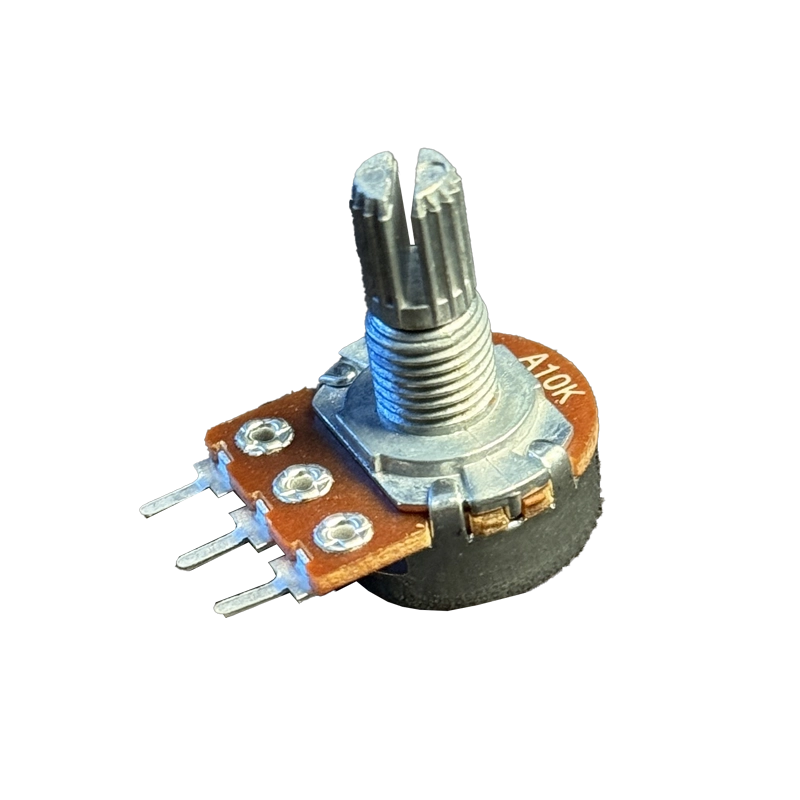
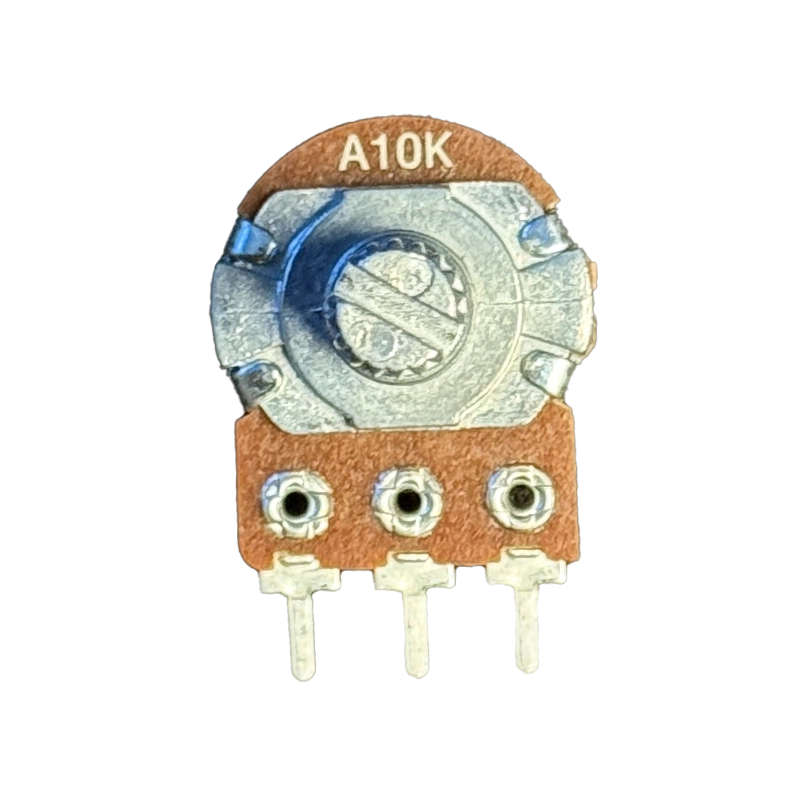
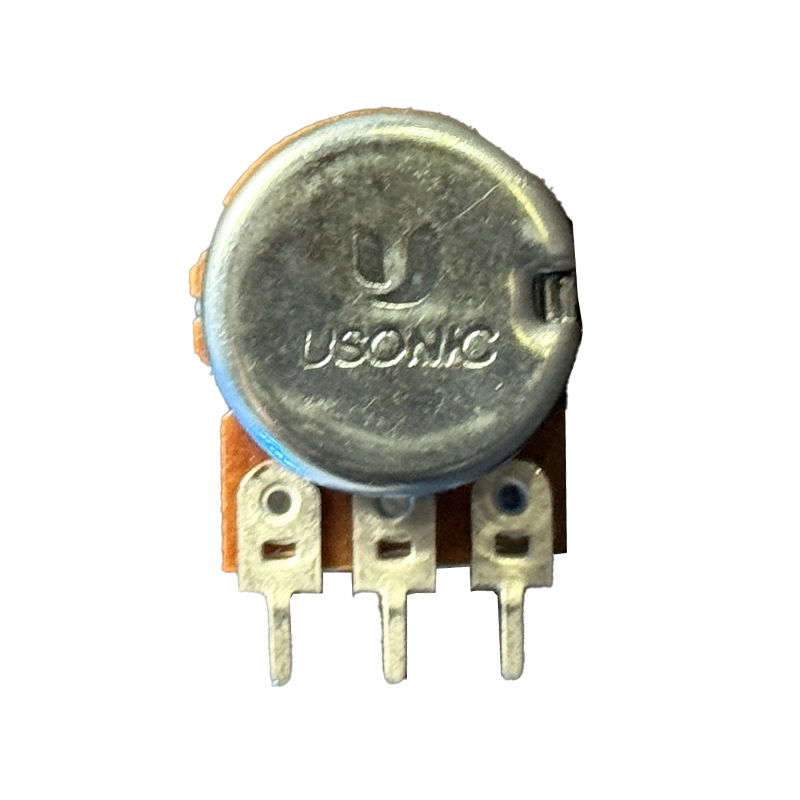
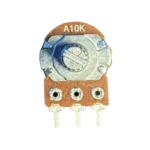
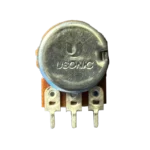


A10K potentiometer control is what makes a volume knob feel natural, and this Usonic 16 mm rotary pot brings that smooth audio-taper response to your amplifier, mixer or DIY sound project. Turn it slowly and the loudness rises evenly to your ears, just the way a good volume control should.
Technical Specifications
Here are the key specs of this A10K potentiometer, cross-checked against the standard 16 mm rotary pot datasheet:
| Parameter | Value |
|---|---|
| Brand | Usonic |
| Type | Single-turn rotary potentiometer |
| Resistance | 10 kΩ |
| Taper | A (Logarithmic / Audio) |
| Tolerance | ±20% |
| Rotation Angle | 300° ±5° |
| Power Rating | Approx. 0.05 W |
| Body Diameter | 16 mm |
| Shaft | Knurled with slot, for push-on knobs |
| Terminals | 3 pin |
| Mounting | PCB mount |
What Makes It Stand Out
Our ears hear loudness on a logarithmic scale, so a linear pot makes most of the volume change happen in the first few degrees of rotation. The log track in this A10K potentiometer fixes that, spreading the change evenly across the full 300° turn. The 16 mm rotary potentiometer datasheet shows the standard taper curves and ratings for this size.
The knurled, slotted shaft accepts common push-on knobs, and the compact 16 mm body fits neatly on amplifier boards and pedal enclosures. If you read the pot with a microcontroller, the ResponsiveAnalogRead library on GitHub removes jitter from analog readings without making the knob feel sluggish.
Why Makers Choose This
An A10K potentiometer is the go-to part for audio builds because 10 kΩ suits the input of most small amplifier ICs like the PAM8403 and LM386. It is the first thing to reach for when adding a volume knob to a speaker, headphone amp or guitar pedal.
New to potentiometers? This Arduino potentiometer tutorial explains the three pins, wiring and code step by step. Order your A10K potentiometer at the best price in India from techiesms.
Important Links
🔗 16 mm Potentiometer Datasheet (PDF) — taper curves, ratings and dimensions for 16 mm pots
🔗 Potentiometer Pinout and Wiring — pin functions and wiring diagram
🔗 Arduino Potentiometer Tutorial — wiring and code guide
🔗 ResponsiveAnalogRead Library — jitter-free analog readings on Arduino
Best Used For
The classic A10K potentiometer use is a volume control for a PAM8403 or LM386 amplifier, giving a smooth, natural fade from silent to loud. Guitar pedal builders use it for volume and gain controls, and it works well as a tone or treble knob in simple passive filters. Makers also add it to Bluetooth speaker kits and headphone amplifiers for a proper physical volume knob. In audio mixers and DIY synthesizers, it controls channel levels where a log response sounds most natural.
Frequently Asked Questions
Q: What is the difference between A10K and B10K?
Both are 10 kΩ. An A10K potentiometer has a logarithmic taper for audio volume, while a B10K is linear, with resistance changing evenly with rotation.
Q: Can I use it with Arduino or ESP32?
Yes, an A10K potentiometer works, but readings will not change evenly with the knob. For sensor-style input or LED dimming, a B10K linear pot is the better choice.
Q: How do I wire it as a volume control?
Connect the audio input to one outer pin, ground to the other outer pin, and take the output from the middle pin (wiper) to your amplifier input.
Q: Which knob fits this pot?
Any standard push-on knob made for 6 mm knurled shafts fits this A10K potentiometer.
Q: Can it handle high power?
No. This A10K potentiometer is a signal-level part rated around 0.05 W, meant for audio and control signals, not for directly controlling motors, lamps or speakers.



Reviews
Clear filtersThere are no reviews yet.